01
Separate sharing from preserving
Sharing apps help relatives feel included now. Preservation apps should be judged by whether the child can understand and receive the memory later.
Some apps share updates. Some prompt journaling. Some preserve stories. Parents should choose based on what they want their child to receive later.
Family memory apps for parents include photo-sharing apps, baby-book journals, future-letter tools, family story services, and private archives. The best choice depends on whether the family wants present-day sharing, parent journaling, elder interviews, or a child-centered archive built from many trusted voices.
Sharing apps help relatives feel included now. Preservation apps should be judged by whether the child can understand and receive the memory later.
The people with valuable memories may not download an app. Private contribution links make it easier for relatives to add something meaningful.
Voice and video matter because they preserve presence. A strong family memory app should handle more than typed notes and photo albums.
For parents comparing quick journaling with a private archive built from many voices.
For families deciding between updates for today and memories preserved for later.
For families comparing one storyteller's memoir with a child-centered archive.
There is no single best app for every family. Use a photo app for sharing, a baby book app for prompts, and a private archive like Our Fable for future-facing letters, voice, video, and family stories.
Often, yes. Present-day sharing and long-term preservation are different jobs and may deserve different tools.
Our Fable is centered on the child’s future archive, private contributors, relationship-aware invitations, and milestone openings.
See family memory tools by category.
Storage versus meaning.
Paper, apps, and private archives.
Family group chats are useful for updates, but a private family archive is better for preserving durable memories, letters, voice notes, and stories.
A plain-language definition of a private family memory archive: what it stores, who contributes, when it is useful, and how it differs from photo sharing or genealogy tools.
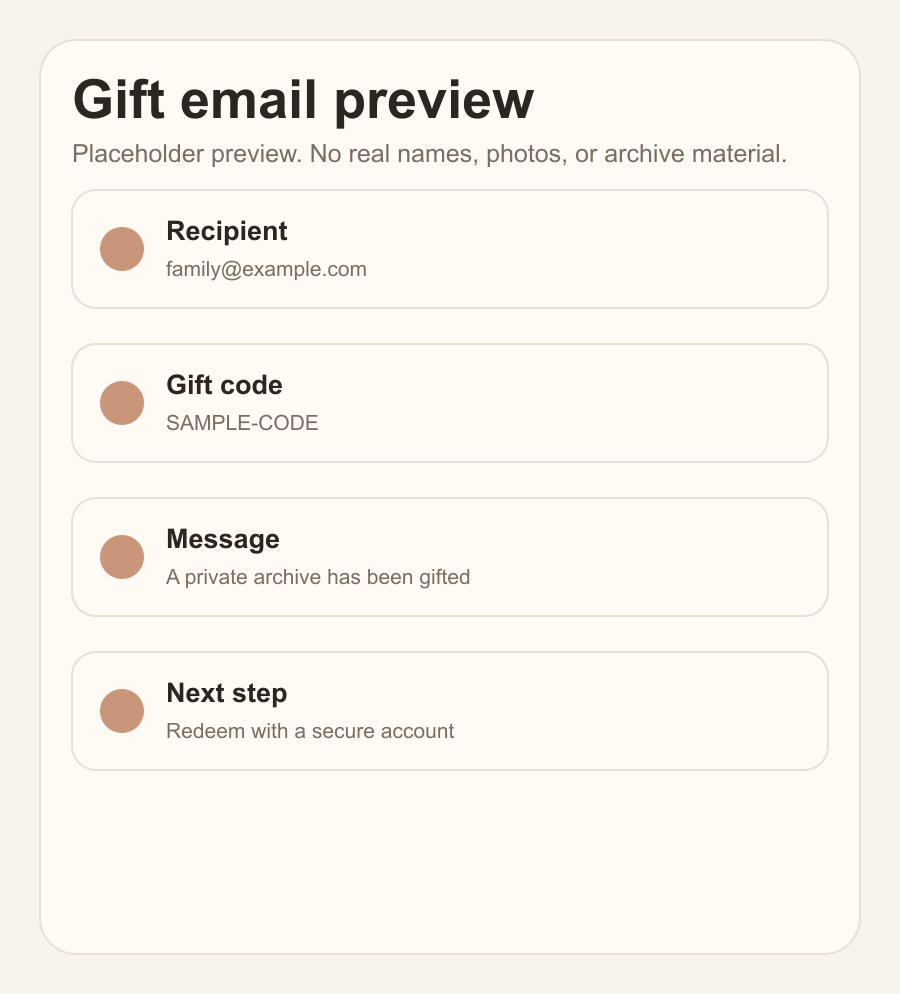
The real email the family receives: who gave the gift, their note, and the activation path.
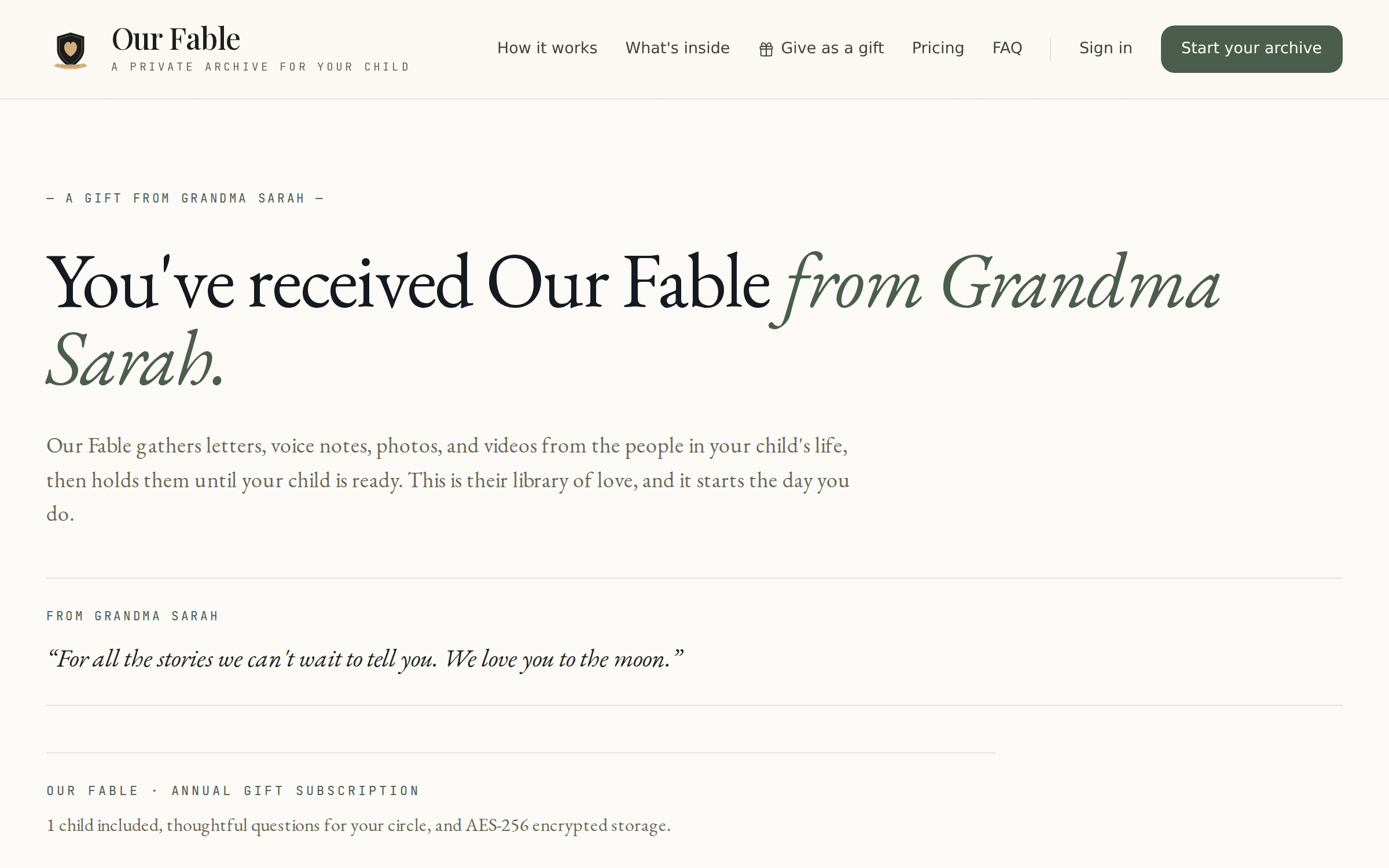
The screen parents see when they follow the gift link — their gift, their giver's note, ready to activate.
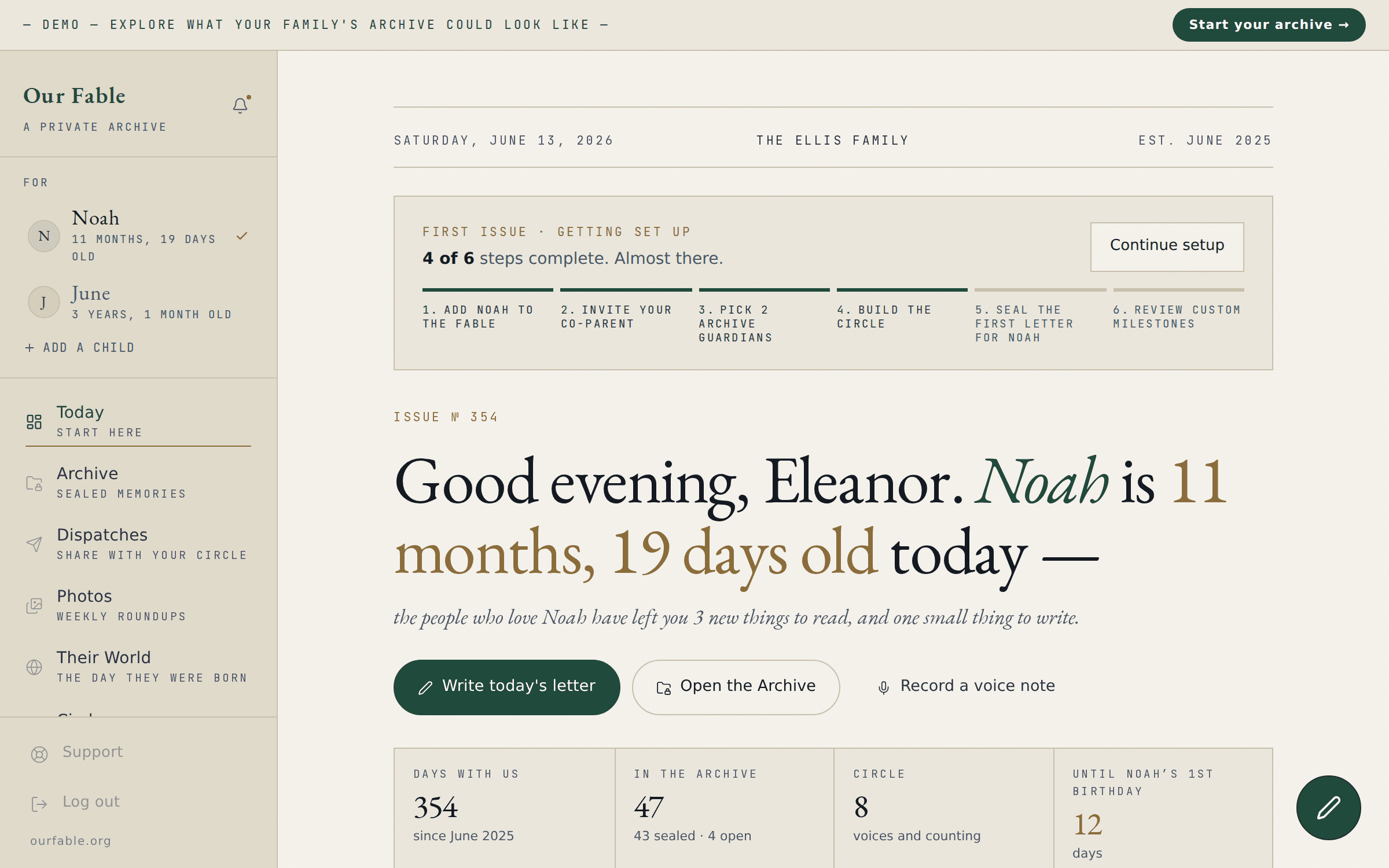
The sample family's archive, live on the demo page: the daily prompt, sealed entries, and the circle at a glance.
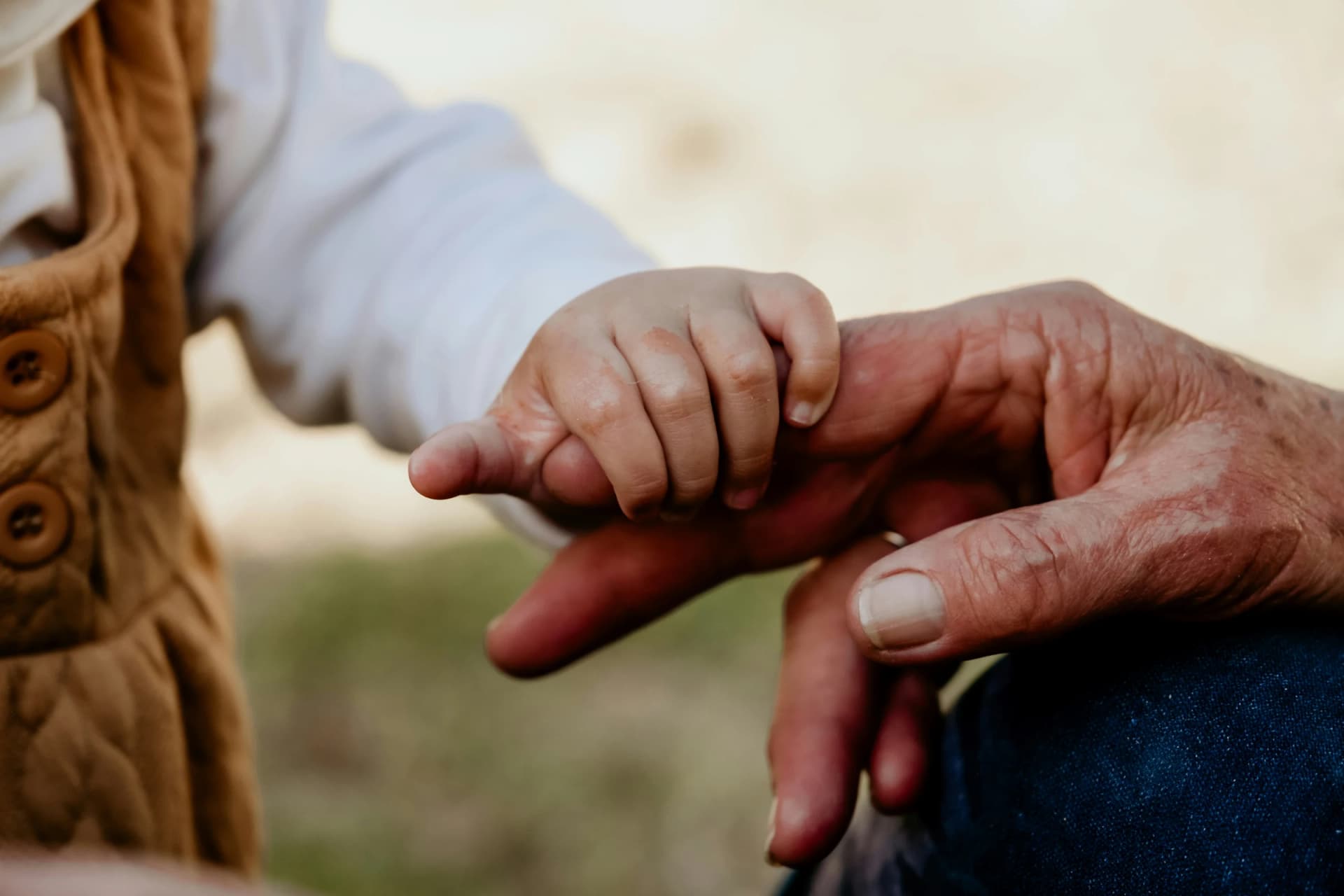
Set up in minutes. Invite the circle, and we’ll gather the rest.
Secure checkout · Cancel anytime