01
Photos are not the whole memory
A picture can show what happened. It does not always explain who took it, why the day mattered, what the family was feeling, or what someone wanted the child to know.
Google Photos is excellent for finding and backing up images. A private family archive is for the memories a child may need explained later.
Google Photos is a photo and video library. A private family memory archive is a child-centered collection of photos, captions, letters, voice notes, videos, and family stories organized around meaning, contributors, and future access.
A picture can show what happened. It does not always explain who took it, why the day mattered, what the family was feeling, or what someone wanted the child to know.
A folder can preserve files, but it does not decide when a child should receive a message or help relatives contribute something personal.
Keep the large photo library where it belongs. Then move the chosen memories into a private archive with context, contributors, and future meaning.
Yes, for backup and search. But use a private archive for letters, voice notes, contributor stories, and the smaller set of memories meant for a child’s future.
Our Fable adds private contributor links, relationship-aware questions, letters, voice notes, video, parent control, and milestone-oriented archive structure.
Yes. Families can add meaningful photos with context alongside other memory formats.
Present-day photo sharing versus future archive.
Family photo streams versus Our Fable.
A practical first system.
Family group chats are useful for updates, but a private family archive is better for preserving durable memories, letters, voice notes, and stories.
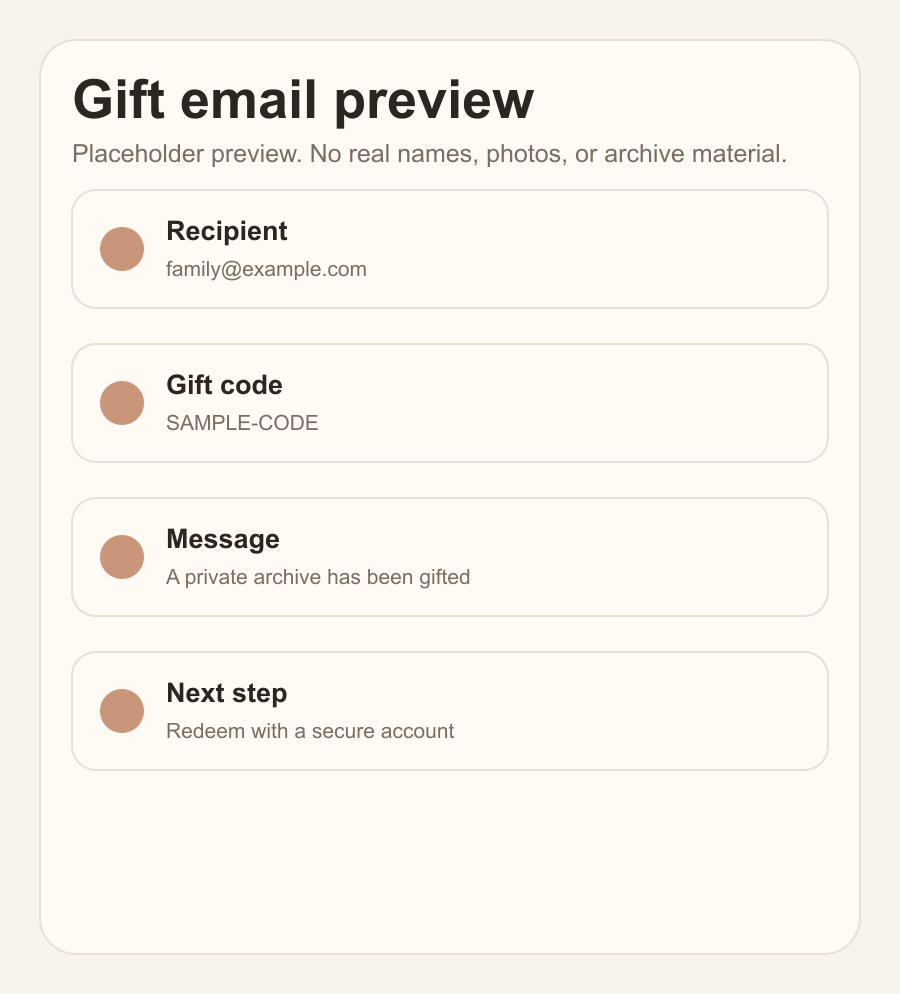
The real email the family receives: who gave the gift, their note, and the activation path.
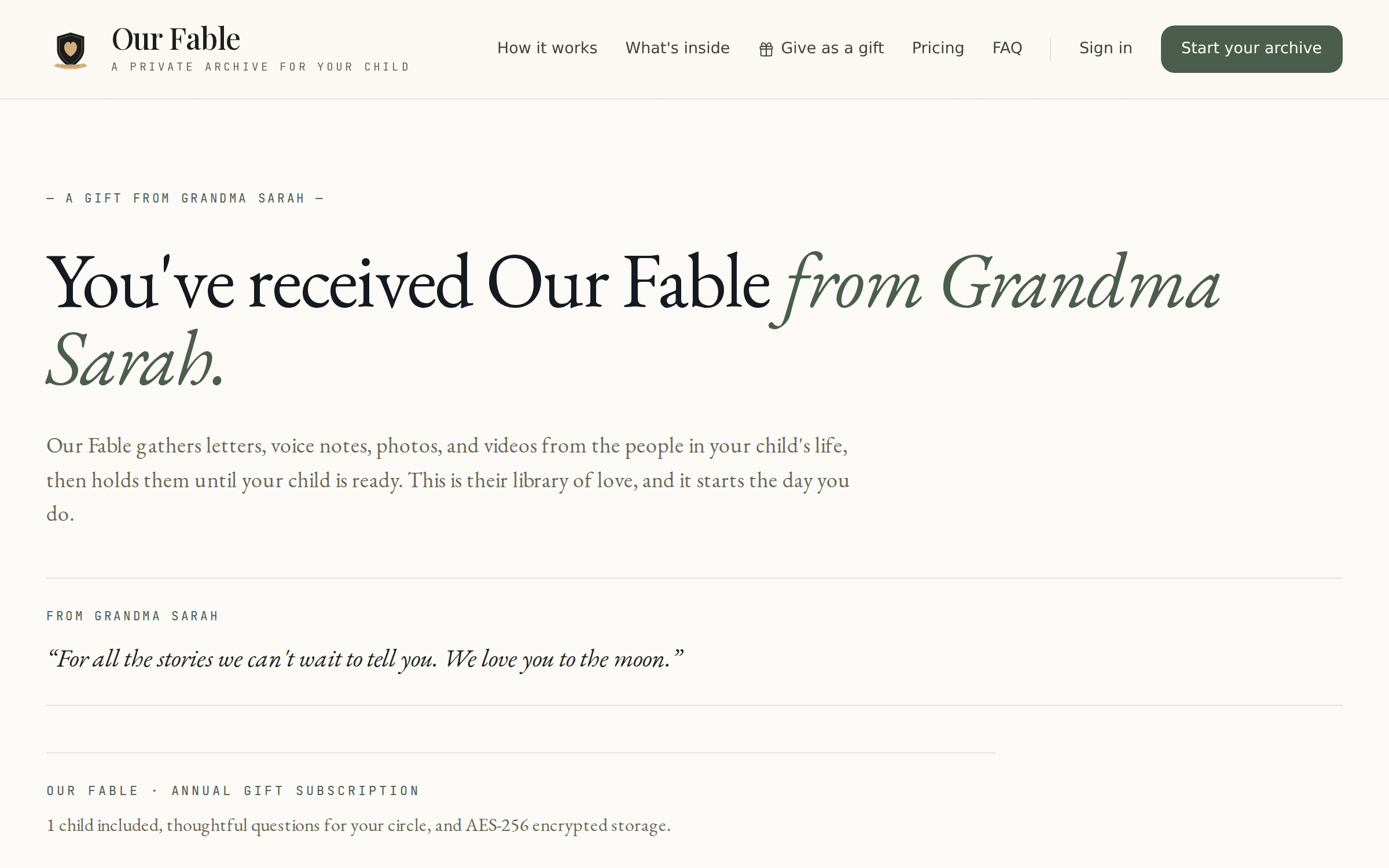
The screen parents see when they follow the gift link — their gift, their giver's note, ready to activate.
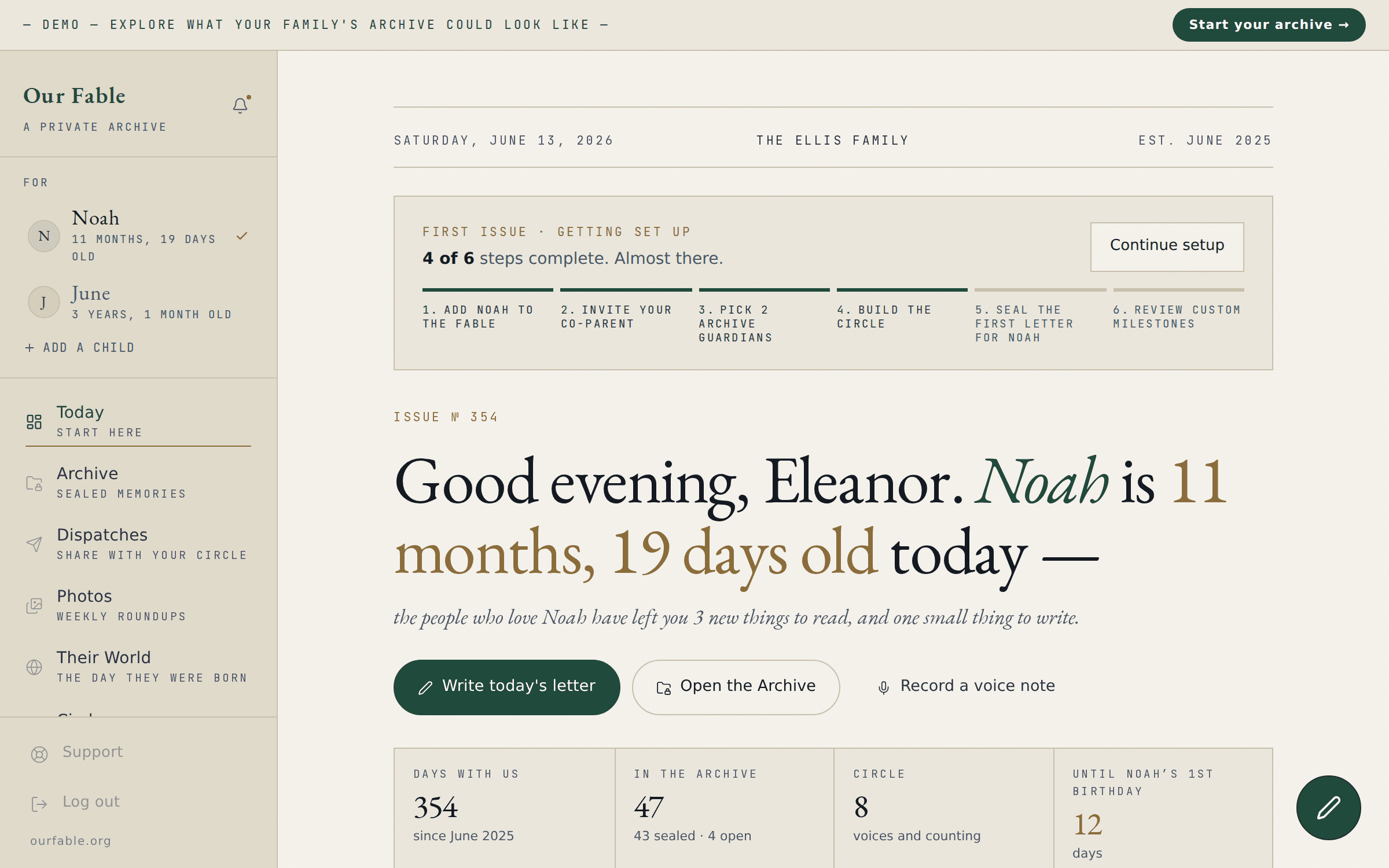
The sample family's archive, live on the demo page: the daily prompt, sealed entries, and the circle at a glance.

Set up in minutes. Invite the circle, and we’ll gather the rest.
Secure checkout · Cancel anytime